Voice to do list app: say it once, review the tasks
Tap the microphone in Losi chat on the web, or talk to Losi on iPhone, and go through everything you need to do, in any order. Tap the mic, then tap stop, and the transcript appears above the message box as editable text, so you can fix a misheard name or date before you send.
Then ask for a task list and check it before you keep anything. If you already record a voice memo, copy the transcript, and paste it into a chatbot, this is the same job in one chat.
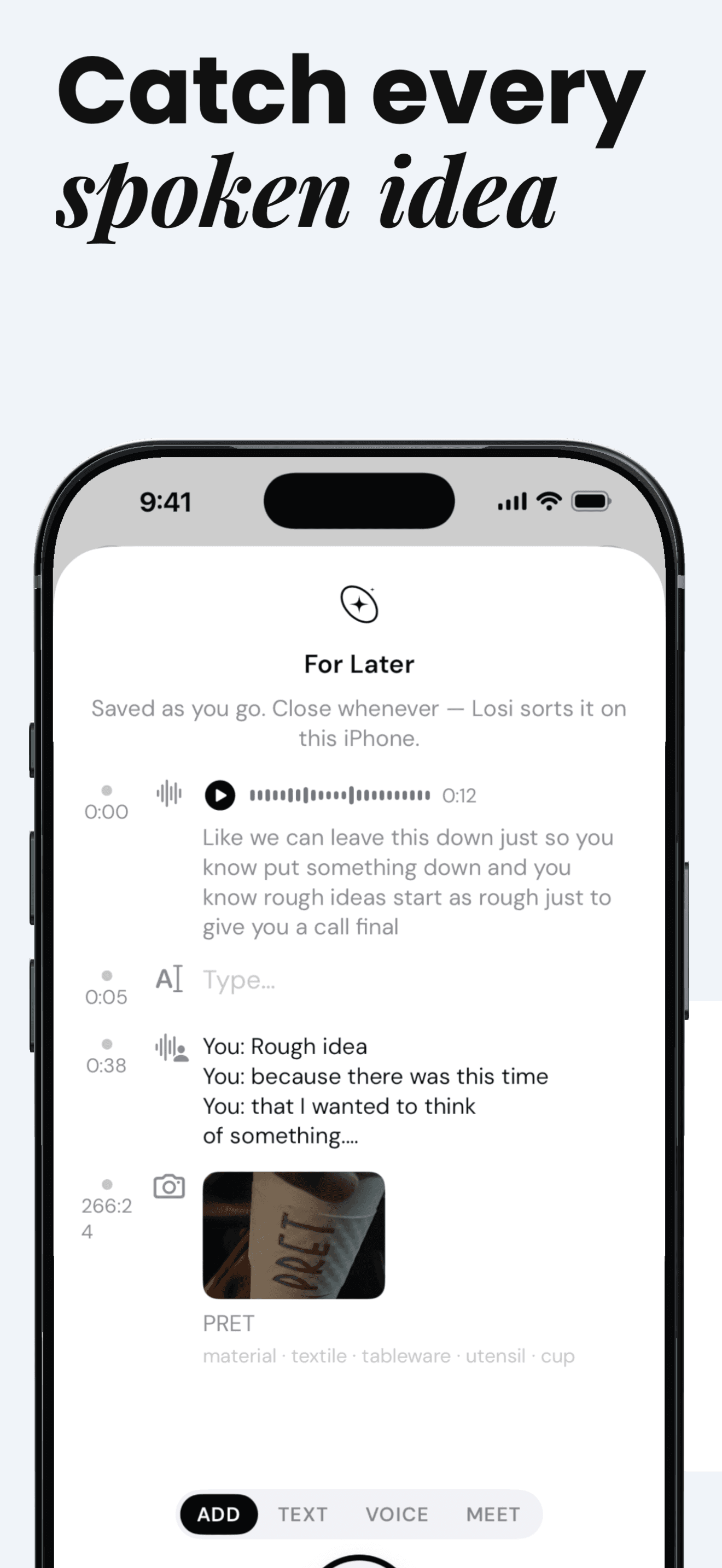
Say it once, then fix what it misheard
Tap the microphone in the chat composer, talk through what you need to do, then tap stop. Losi transcribes the recording and shows the text so you can review it before you send.
Edit names, product terms, and dates in the transcript, then send. The message carries your text and the original audio for playback. Holding the mic and letting go sends right away, so tap instead when you want to review first.
From a voice note to tasks and dates
After you send the note, ask Losi to turn it into tasks. Good asks are short: "Summarize this voice memo into tasks", "Plan my week from this", or "Turn this into a Space note with next steps."
Tasks can live in a Space next to your notes, and dated items can go on the Space calendar.
- Already have a voice memo? Attach an MP3, WAV, M4A, or WebM file in chat. Free accepts files up to 1 MB, and Plus accepts 5 MB.
- Ask for priorities or a first step if the list feels long.
- Move the useful tasks into a Space so they outlast the chat.
Voice to-do list on iPhone
The Losi iPhone app has a "Talk to Losi" action for the Action Button. Assign it in Settings, then Action Button, then Controls, and one press starts a conversation on iPhones that have one.
Talk to Losi out loud, then ask for a task before the thought slips away.
Check the dates, then use reminders
A spoken "next Thursday" is easy to get wrong, for people and for AI. Losi can draft tasks and a schedule from what you say. Read the dates it proposes, and fix any that are wrong.
Spaces can remind you before a task with a due time is due, and again when it is overdue. Reminders arrive in the app and as a push notification on a phone with the Losi app, and the overdue one can also be emailed. You choose which reminders you get in notification settings, and they are not timed to the exact minute.
Questions
Can I add to-do items by voice on iPhone?
Yes. The Losi iPhone app supports live talk, and you can map the Action Button to Talk to Losi on iPhones that have one. You can also tap the mic in chat, review the transcript, and ask Losi to turn it into tasks.
Can I turn a voice memo I already recorded into a to-do list?
Yes. Attach the audio file in chat (MP3, WAV, M4A, and WebM work), send it with a request like "Summarize this voice memo into tasks", and review the result. Free accepts files up to 1 MB, and Plus accepts 5 MB.
What if I ramble or change my mind halfway through?
If you tap the mic, you see the transcript before you send, so you can cut a false start. (Holding the mic and letting go sends right away.) Then you can ask Losi for several tasks at once and review the list before you keep it. Losi can miss an item or a correction, so read the list.
Can Losi remind me when a task is due?
For Spaces tasks with a due time, yes: Spaces can remind you before the task is due and again when it is overdue. They arrive in the app and as a push notification on a phone with the Losi app, and the overdue one can also be emailed. You choose which reminders you get in notification settings, and they are not timed to the exact minute.
Is this just a voice transcriber?
No. AI voice note transcription is the first step. The point is what comes after: asking Losi for tasks, a plan, or a Space note from what you said, and keeping the result where you can find it.
Is there a free plan?
Yes. Free includes up to 10 active tasks at a time (done tasks do not count), and paid plans raise that limit.
Can I use it as a voice activated to do list?
Yes. Speak your tasks in the app, or use the Action Button on iPhones that have one. You can edit the transcript before sending, then Losi turns it into tasks for you to review.
Is Losi a voice task manager?
Yes. It goes from voice to task in one step: say what needs doing, and Losi files it as tasks with dates in a Space, where you assign, reschedule, and track them like any other task.